Your username
Use the account username, not a league name or team display name. Reading supported league data needs no password, cookies, or Sleeper account token.
Your Sleeper league, just ask
League Loom is a free, read-only connector that lets ChatGPT and Claude read your Sleeper league from just your username, with no password or cookies.
Ask about NFL and NBA rosters, standings, matchups and waivers. Add it on a computer, then ask in Claude's phone app or ChatGPT on the web.
Free connector · ESPN, Sleeper & Fantrax · Works with compatible AI tools
Looking for Claude-only setup steps? See Connect Sleeper to Claude.
Looking for the Sleeper MCP or API details? See Sleeper MCP server.
Looking for help reconnecting your AI app? See League Loom support.
Last updated
See it with a real team
A recorded check-in with real teams.
Follow Jones's recovery and practice updates before the next eligible lineup period. Rachaad White is another active bench option. An active injury designation does not establish workload or make one of them the automatic replacement.
Burrow occupies quarterback and Darnold superflex. Jefferson, Godwin and Douglas occupy your receiver slots. Confirm Sleeper's lock and AutoSub rules before any change; this recorded check does not establish that a player can be moved now.
| Your waiver budget | Amount |
|---|---|
| Started with | $1,000 |
| Used so far | $655 |
| Still available | $345 |
Jones is questionable in flex. Mason is now listed active on your bench, alongside Harvey and White. Check expected usage and the upcoming schedule before deciding whether an available pickup improves on those options.
Price remains on injured reserve. Follow his recovery, but do not count on a return date from this snapshot. If you still need cover for the next eligible lineup period, compare the actual available pool, claim deadline and possible drop before bidding. A pickup cannot replace a locked player.
Each league has its own lineup period and deadline. Keep locked players in place and confirm eligibility before making a change.
Your first useful answer
Choose where you play and what you want to check. Connect once, then reuse the prompt whenever you need it.
Using Meta Muse? Follow the chat-based Muse setup guide.
Requires an AI plan and workspace permissions that allow custom connectors. League Loom is free; fair-use limits apply. Setup is easier on a computer.
Set up your leagues here firstUse League Loom to review my connected teams. Confirm each sport, season and scoring period first. Show one useful next step per team, with source times and missing data clearly identified.
Already connected? Start here. Keep the prompt for your next check; each run asks for fresh data.
These choices are remembered in this browser for seven days.
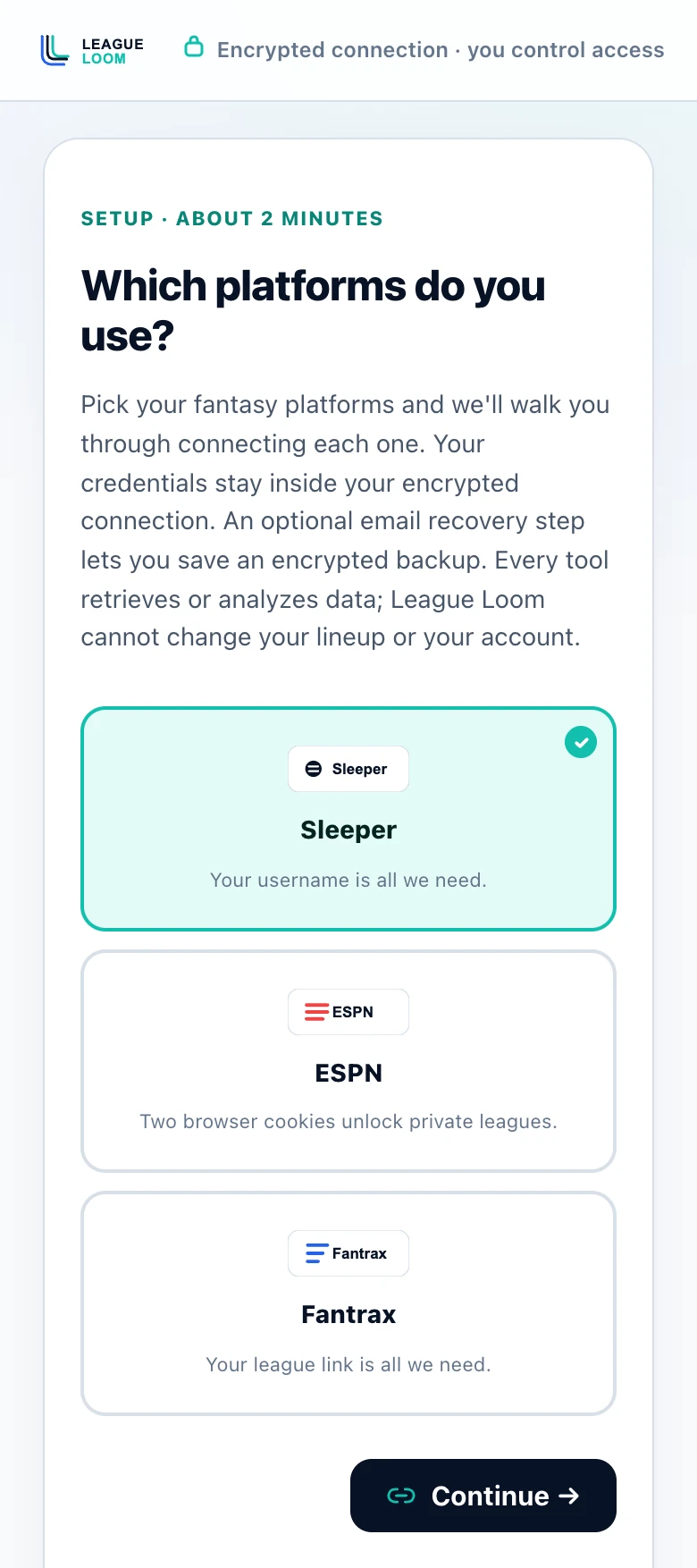
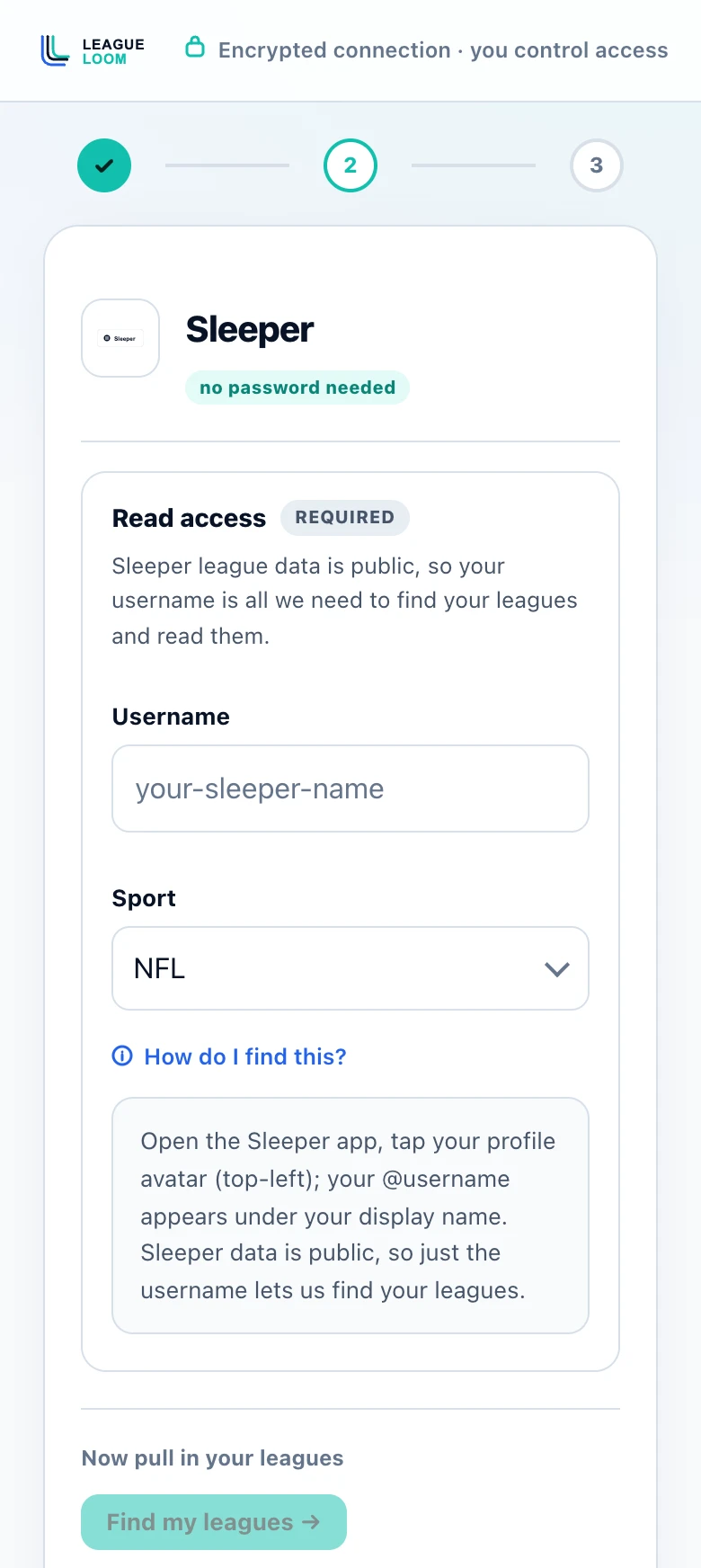
Screens from leagueloom.com/setup, shown with empty fields. Select a screen to open it full size.
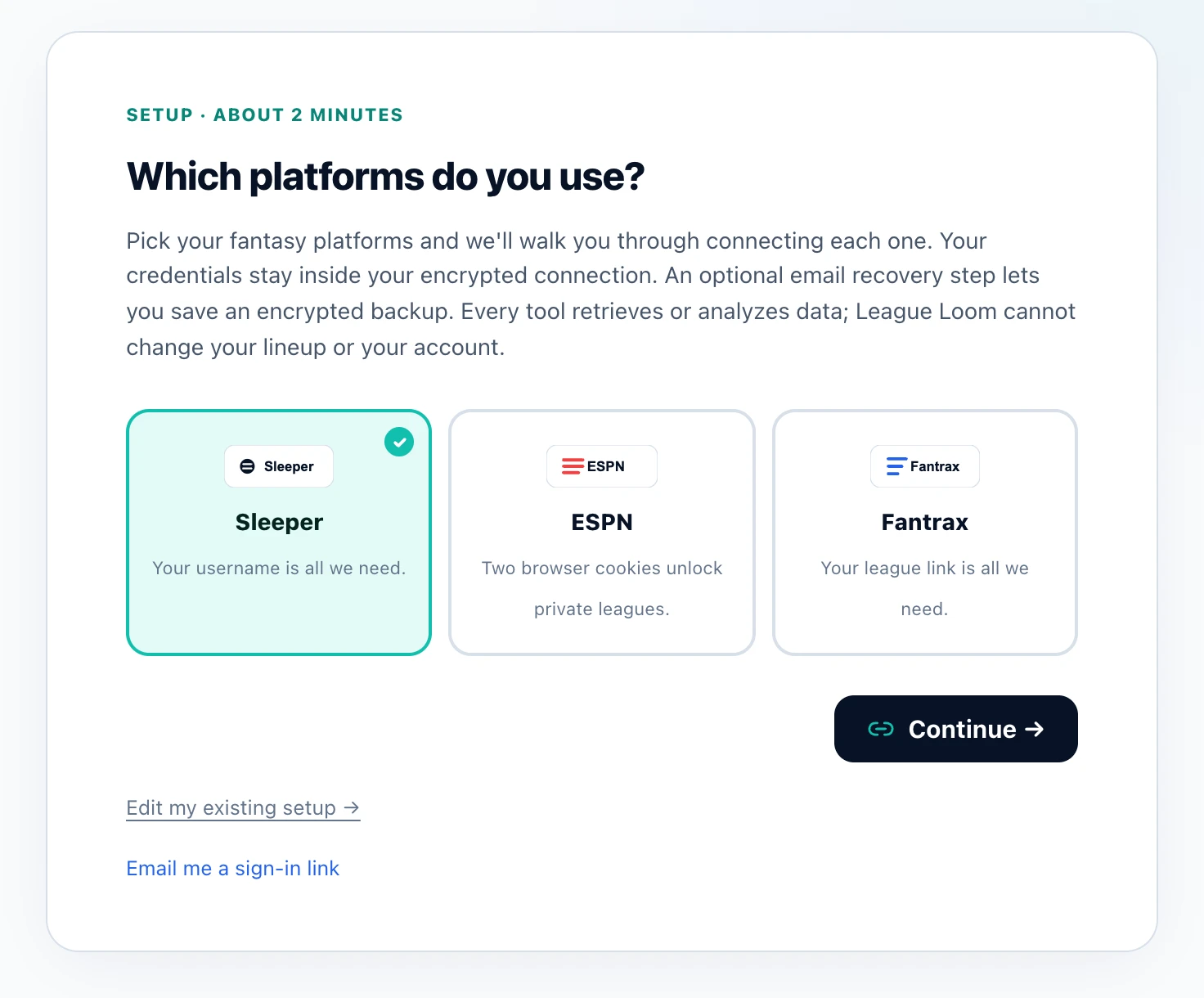
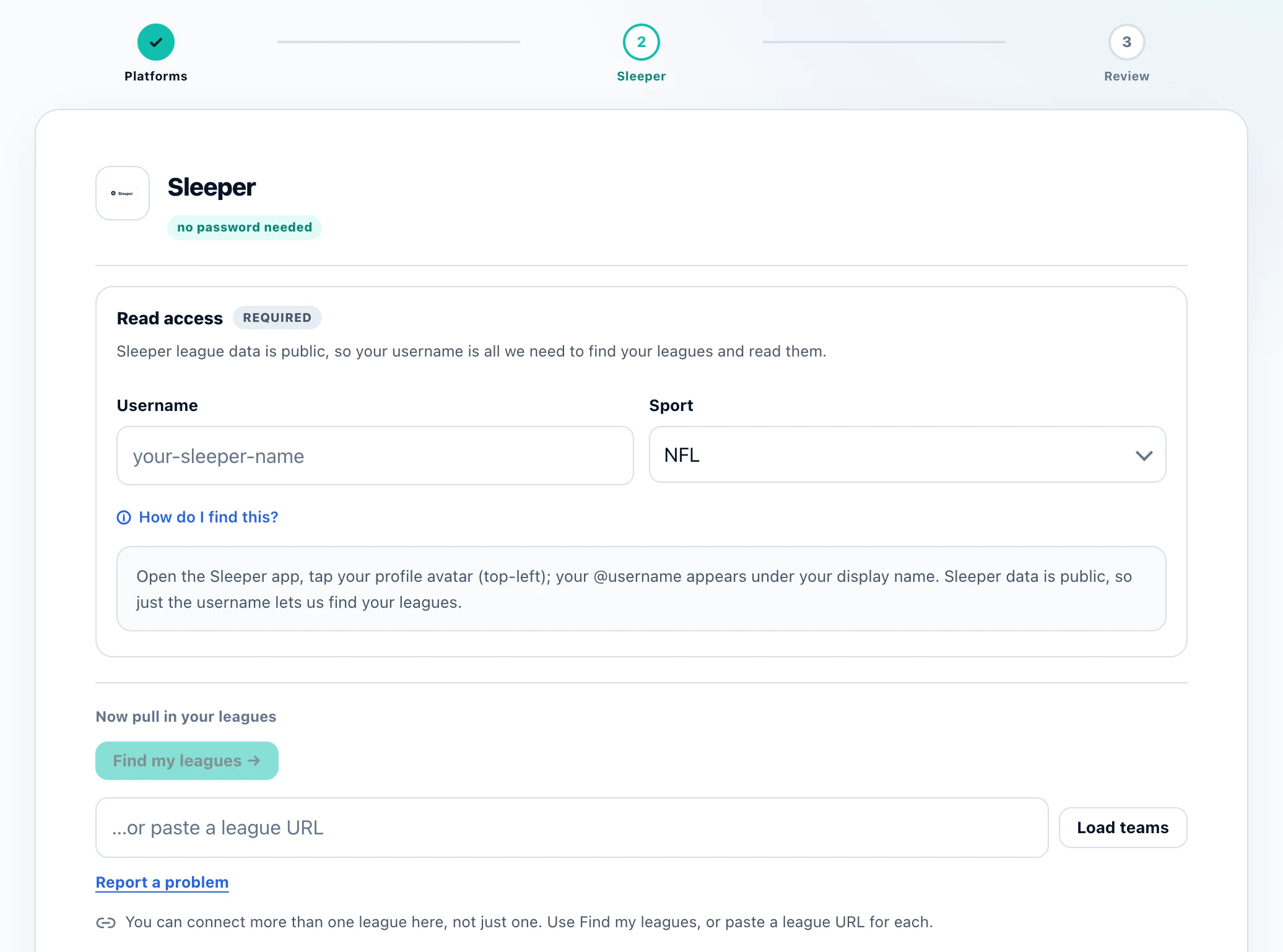
In a phone browser
Before you start
Use the account username, not a league name or team display name. Reading supported league data needs no password, cookies, or Sleeper account token.
NFL and NBA leagues are supported. Check the season and selected team if discovery does not show the league you expect.
For an explicit regular-season NFL week, League Loom can calculate projections from Sleeper projected stats and your league scoring. Partial coverage is labeled; missing projections are not zero. Ownership percentages are unavailable.
Worked example
Illustrative walkthrough for a sample Sleeper football league. No real player availability or bid outcome is implied.
Confirm the league, season, and selected roster so an available-player search uses the correct league.
Ask for available players, roster needs, and remaining FAAB or waiver priority. Have the assistant flag any missing field.
Ask which available player fits an immediate need and what you lose by dropping someone. A suggested bid is the AI's judgment, not a prediction of competing bids.
Sleeper league data can be read with a username, so setup needs no Sleeper password or account token. League Loom supplies your league context; your AI tool interprets it.
For example, the assistant can compare available players with your roster needs and use your remaining FAAB and waiver priority where returned. For an explicit regular-season NFL week, League Loom can calculate Sleeper league projections from available projected stats and your scoring settings.
Partial or unavailable coverage is labeled. Ask the assistant to identify missing information and cite any outside research separately. No League Loom tool can change your league; you make roster moves in Sleeper.
Before you connect
League Loom is free, with no subscription or per-league fee. Fair-use request budgets apply. Your chosen AI service has its own account and access requirements. No League Loom tool can change your league; you make roster moves yourself.
No, just your Sleeper username. Sleeper's data is public, so that's all League Loom needs to find your leagues and read your team.
Anything League Loom can read: byes and injuries, the best available waiver adds, your weekly matchup and score, standings, your roster, and your draft, for one league or all of your teams at once.
No. A Sleeper username only finds public league data.
Yes. For Sleeper leagues specifically, League Loom reads each team's remaining FAAB budget and waiver-claim priority, so you can ask how much you have to bid before making a move, or where you rank in the waiver order.
Yes. It reads taxi-squad and IR assignments straight from your Sleeper reserve slots, so you can ask who's stashed, who's eligible to be activated, and how those roster spots affect your active lineup.
It can read roster construction, player data, and recent transactions. Supply any keeper costs or contract rules that are not returned, and ask the assistant to separate those assumptions from league facts.
Yes. The MCP server and connector are free, with no subscription and no per-league fee. Fair-use request budgets apply. Connect supported ESPN, Sleeper, and Fantrax leagues and ask questions from your AI tool.
Add the connector on a computer: claude.ai or Claude Desktop, or ChatGPT on the web. What works on a phone afterward depends on the assistant. In Claude, a connector added on the web or desktop is also available in the Claude iOS and Android apps, so you can ask about your leagues from your phone. In ChatGPT, custom apps like League Loom currently run only on the web, not in the ChatGPT phone apps. If you start on a phone, use Send to my computer to email or message yourself the link and finish later.
Before you connect a league, read how League Loom is built, what the privacy policy says is stored, the terms of service and the full FAQ, or check the press kit with key facts and who builds it.